IA que trabaja
Artificial intelligence (AI) is technology that lets machines learn from data and perform tasks that only a person could do before. It works by training models on examples so they can recognize patterns, make decisions or automate business processes.
In this article, I'll explain what AI is and how it works, with clear examples and practical applications for small and medium-sized businesses and professionals. If you're looking for an explanation without technical jargon, with real-world examples, you've come to the right place.
What artificial intelligence is and how it has evolved
Artificial intelligence, or AI, is a set of techniques that allows computers to imitate certain human abilities: learning, reasoning, understanding language, recognizing images or making decisions. It's not magic or science fiction. It's a branch of computer science that has been developing for decades.
In its early days, AI relied on programs that followed fixed rules to solve problems. Later came machine learning, where instead of programming every step, you train a machine on data and examples so it can learn on its own.
In recent years, AI has advanced faster thanks to the availability of large amounts of data, greater processing power and the development of models such as deep neural networks, known as deep learning. AI can now generate text, images, videos and even code, as you can see in general-purpose tools.
According to recent studies, most companies worldwide already use AI in at least one business function, and many have tried generative AI in their day-to-day work (source). However, only some have managed to scale these projects beyond pilot tests. In other words, most are getting started, but there's still a long way to go.
AI: how it works under the hood (a simple explanation)
To understand how artificial intelligence works, you need to know three things: models, data and learning.
- Model: This is the “brain” of the AI. It can be a simple algorithm or a neural network with many parameters. For example, a model might recognize whether a photo shows a dog or a cat.
- Data: These are the examples used to train the model. The more data you have, and the better its quality, the better the AI learns. If you train it on blurry or incorrectly labeled photos, the model will make mistakes.
- Learning: This is the process of adjusting the model based on data. There are several types:
- Supervised learning: You give it examples with the correct answer, such as labeled photos of dogs and cats, and it learns to tell them apart.
- Unsupervised learning: You give it unlabeled data and it looks for patterns on its own.
- Reinforcement learning: It learns through trial and error, like a robot learning to walk.
The key is that, once trained, the model can make predictions or decisions using new data. For example, a chatbot that responds to customers learns from many previous conversations.
What's the difference between AI, machine learning and deep learning?
This question comes up a lot. AI is the broad umbrella. Machine learning sits within it and refers to the part that learns from data. Deep learning is a subset of machine learning that uses deep neural networks for more complex tasks, such as understanding language or images.
| Concept | What is it? | Practical example |
|---|---|---|
| AI | Systems that imitate human abilities | Chatbots, voice assistants |
| Machine learning | Algorithms that learn from data | Payment fraud detection |
| Deep learning | Deep neural networks for complex tasks | Image recognition |
How does AI learn? A practical example, step by step
Here's a simple real-world use case for a small online store.
Problem: Automatically answer frequently asked customer questions on WhatsApp.
AI solution:
- I collect data: I export real WhatsApp conversations, including questions and answers.
- I choose a model: I use a language model that already knows how to hold a conversation.
- I train the model: I give it the examples so it learns the right tone and answers.
- I integrate the AI: I connect the model to WhatsApp using an API, a bridge that lets the AI receive and send messages.
- I test and adjust: I let it respond to customers and check for mistakes. If it gets something wrong, I correct the examples and retrain it.
The result? The AI handles most common questions about opening hours, order status and returns in seconds. It passes the rest on to a real person.
This is what's called automating processes with AI. If you'd like more examples, take a look at the guide to what you can automate with n8n.
Practical applications of AI in business and automation
AI isn't just for large companies. It can work for small and medium-sized businesses, online stores, professional practices and even neighborhood businesses. Here are some real-world applications:
- Customer service: Chatbots on your website or WhatsApp that answer questions, manage bookings or provide order status updates. If you're interested in setting one up, take a look at the AI WhatsApp chatbot.
- Automating repetitive tasks: Updating prices, sending emails, sorting invoices and generating reports. You can set all of these up with automation tools. Find out more about automations with n8n and Make.
- Marketing and sales: Segmenting customers, personalizing campaigns, analyzing feedback and creating social media content. For more detail, see the guide to AI marketing automation.
- Data analysis: Identifying buying patterns, forecasting demand and finding products that aren't selling.
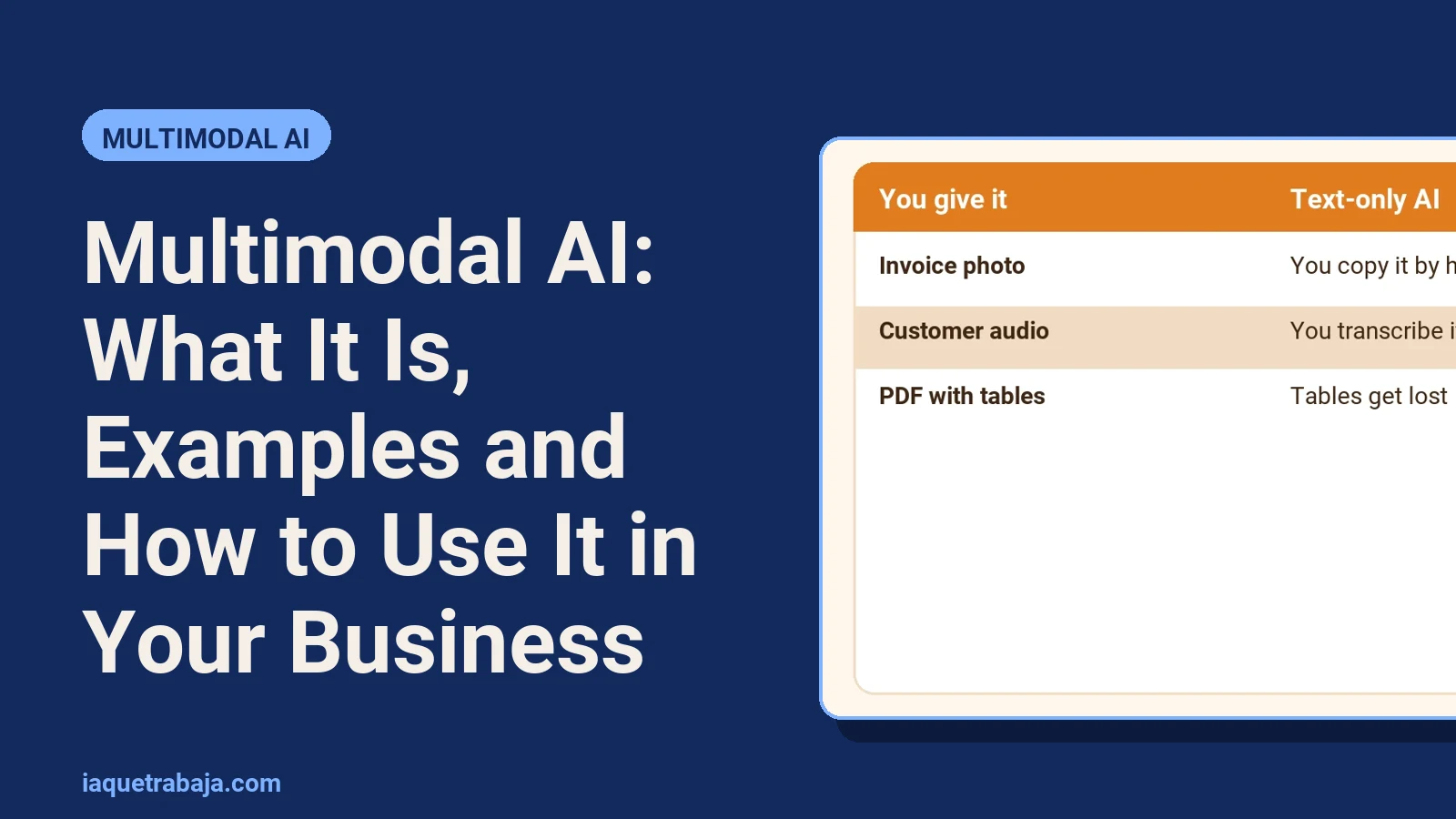
- Image and document recognition: Extracting data from invoices, reading license plates and controlling access.
- Content generation: Writing text, creating images and producing synthetic audio.
According to studies, using AI to optimize the supply chain can significantly reduce operating costs. And a substantial share of business software will have specialized AI agents in the coming years (source).
What are the benefits of AI for small businesses and professionals?
In my view, the main benefits of AI for small and medium-sized businesses are:
- Time savings: Automate tasks that used to take you hours.
- Better customer service: Respond quickly, at any time.
- Fewer errors: If the input data is good, AI makes fewer mistakes than a tired person.
- Scalability: Serve more customers without hiring more people.
- Access to advanced analysis: Draw conclusions from your data without being an expert.
That said, AI isn't perfect. You need to know where to use it and where not to.
What are the limitations and risks of artificial intelligence?
AI has real drawbacks. It's not magic, and it won't replace human judgment in every situation.
- It depends on data: If you train it on poor examples, the AI learns poorly.
- It can hallucinate: It sometimes makes up answers or gets things wrong, especially on complex topics.
- Legal and ethical issues: You need to comply with your AI use policy and the new European AI Act. You can't use personal data without permission.
- Cost and resources: Some large models require powerful servers or pay-per-use fees. But there are plenty of free AI tools.
- It doesn't replace human judgment: Always review what AI suggests when making important decisions.
For example, AI models can process large amounts of information, but they can fail if you give them ambiguous instructions or conflicting data. And while AI will create new jobs, it will also transform the work of many people in the coming years (source).
What types of artificial intelligence are there, and which are used in business?
Right now, the AI we use in business is known as weak AI or narrow AI. These are systems that perform specific tasks: answering messages, analyzing invoices or recommending products. There is no general AI that thinks like a person in every respect.
The types most commonly used in business are:
- Language models: Chatbots, virtual assistants and text generation.
- Vision models: Image recognition, OCR (reading text in photos) and access control.
- Predictive models: Forecasting sales, detecting fraud and adjusting prices.
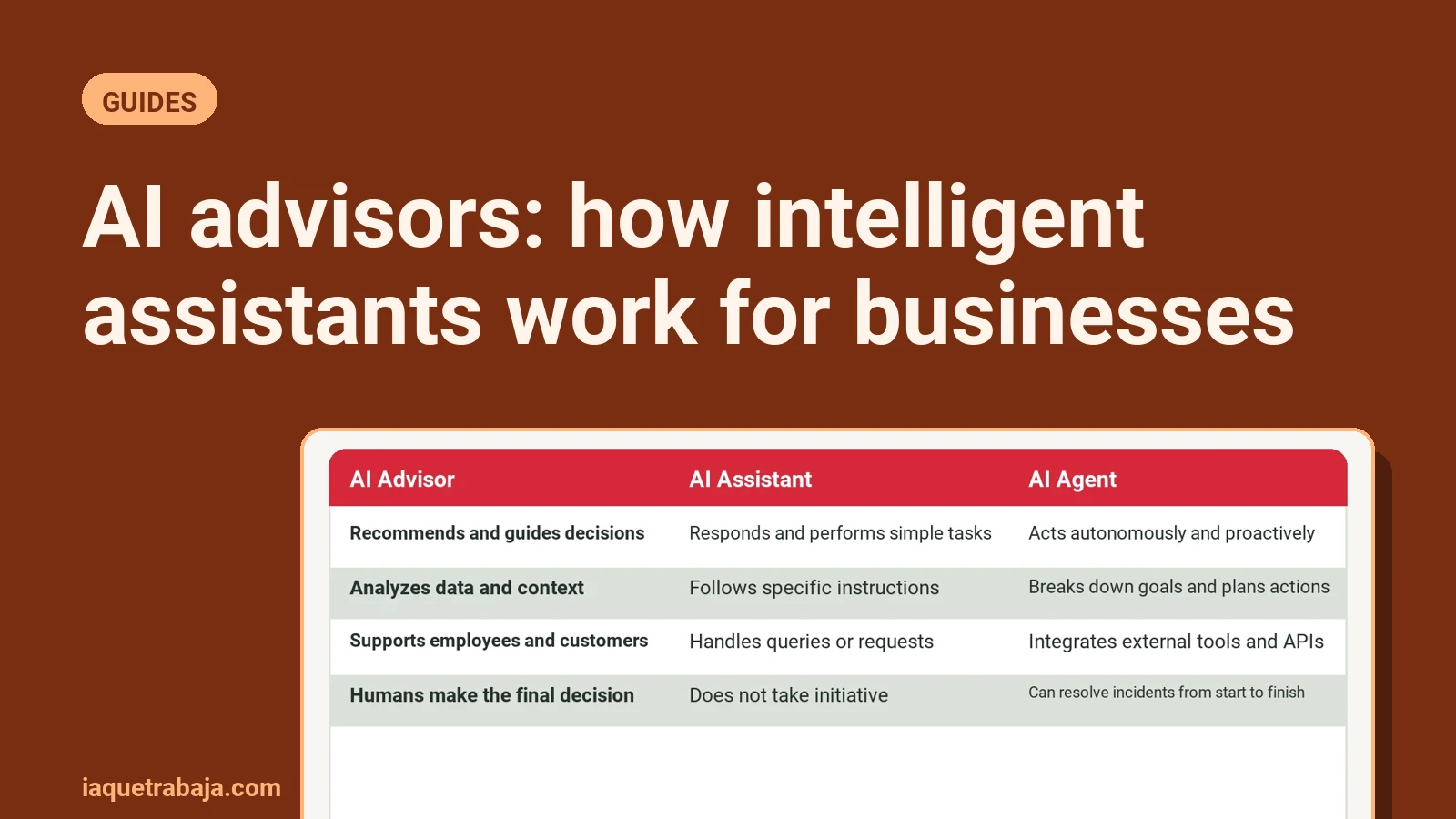
- AI agents: Programs that act autonomously to perform repetitive tasks. To learn more, see the guide to AI agents.
Most businesses use AI as a “copilot” that helps without taking full control.
What do I need to start using AI in my business?
You don't need to be a programmer or own a supercomputer. To start using AI in your business, you generally need to:
- Identify a repetitive task or a specific problem: For example, answering emails, sorting invoices or creating quotes.
- Choose a tool or model: There are free and paid options. You can try the best free AI tools or well-known platforms.
- Prepare your data: The clearer and more organized it is, the better the AI will work.
- Integrate AI into your workflow: Often, all you need to do is connect the tool to your website, WhatsApp or management system. If you get stuck, you can ask an AI consulting service for businesses for help.
- Test and adjust: Start small, review the results and fix what isn't working.
And if you want to learn from scratch, there are resources such as El Atajo or free courses like “Elements of AI” from the University of Helsinki.
Will AI take my job? What tasks can't it do?
That's the big question. According to studies, AI will create a net increase in jobs in the coming years, although it will also transform the work of many people.
In my view, AI doesn't replace people who bring judgment, creativity or a personal touch. What it does do is take repetitive, boring or low-value tasks off your hands. For example:
- What it can automate: Answering frequently asked questions, sorting documents, sending reminders and analyzing data.
- What it can't automate (for now): Negotiating with clients, making strategic decisions and solving complex problems that require context or empathy.
A plumber isn't going to automate visiting someone's home and loosening a nut. But they can automate appointment management or sending quotes.
Resources to learn more about AI
If you want to go a step further, here are resources I've tried myself or recommend to my clients:
- Elements of AI: A free course available in Spanish, created by the University of Helsinki. It explains the basics without technical jargon.
- AI for Everyone: A straightforward course by Andrew Ng on Coursera, designed for non-technical people.
- Google's Machine Learning Crash Course: A free, practical course with examples and exercises.
- El Atajo: Practical training in AI for business, with real-world examples and support in Spanish.
- Claude Code guide: A step-by-step guide if you want to try programming automated tasks with AI.
- Cursor: A code editor with built-in AI, useful for automating simple scripts even if you're not a programmer.
And if you prefer in-person training or something tailored to your business, take a look at AI training for businesses.
In summary
Artificial intelligence learns from data and automates tasks that only a person used to do. In my view, the key is to start with a specific problem, try a simple tool and see how it can save you time in your day-to-day work. For real-world examples and ways to apply them in your business, see the guide to automating processes with AI.
Sources
- Artificial intelligence - Wikipedia
- What is artificial intelligence (AI)? | IBM
- Machine Learning Crash Course | Google Developers
- The State of AI in 2024 | McKinsey
- Gartner Press Release: 40% of Enterprise Applications Will Have Embedded Specialized AI Agents by 2026
- Elements of AI
- AI for Everyone | DeepLearning.AI
- OpenAI Platform Pricing
- EU Artificial Intelligence Act