IA que trabaja
When you open Claude and expand the model selector, you'll see several names. And the question I'm asked most often is always the same: which one should I use? The short answer is that it depends on the task, but there's a simple rule that saves you a lot of guesswork and, if you use the API, quite a bit of money. Let me explain.
What are Opus, Sonnet and Haiku?
They're different sizes in the same family of Anthropic models. The bigger the model, the better it is at difficult tasks, but it's also slower and more expensive. Smaller models are faster and cheaper, making them ideal for simple, repetitive tasks.
- Haiku: the small one. Very fast and the cheapest. Use it for classification, data extraction, answering simple questions or anything you need to do thousands of times.
- Sonnet: the balanced one. It writes, reasons and codes well, at a reasonable cost. It's the model most people should use by default.
- Opus: the large one. Use it for complex problems, lengthy analyses, difficult code or tasks where a mistake is costly.
In the current generation, the Claude 5 family, the models are Haiku 5.5, Sonnet 5.5 and Opus 5.5. Above them all is Fable 5.2, which Anthropic describes as its most capable model for technical work. I covered it in detail in the post on Claude Fable 5.2.
Practical differences: speed, quality and cost
| Model | Speed | Quality on difficult tasks | Cost | What I use it for |
|---|---|---|---|---|
| Haiku | Very fast | Basic to medium | Lowest | Classifying messages, extracting data, short chatbot responses |
| Sonnet | Fast | High | Medium | Writing, summarizing, everyday coding, most automations |
| Opus | Slower | Very high | High | Complex analyses, sensitive code, long documents requiring extensive reasoning |
| Fable | Slower | Highest | Highest | Long technical projects and tasks the others can't handle |
Exact prices change and depend on whether you use the chat (claude.ai) or the API, so I won't list them here. What matters is the ratio: a large model can cost several times more per response than a small one. In the chat, you'll notice it in your usage limits; with the API, you'll see it directly on your bill.
Which model do I use for each task?
For everyday chat (emails, ideas, summaries, questions): Sonnet. It gives you high-quality answers without using up your usage limits as quickly.
For coding: Sonnet for everyday work, and Opus or Fable when the problem is substantial: a bug you can't find, a part of the code that affects many things, or a migration. If you code with agents, my Claude Code guide explains how to switch models depending on the task.
For highly repetitive automations: Haiku whenever possible. If you have a workflow that classifies 2,000 emails a month or answers frequently asked questions, the cost difference is substantial and the quality is usually more than good enough. This is how we build many automations with n8n and Make.
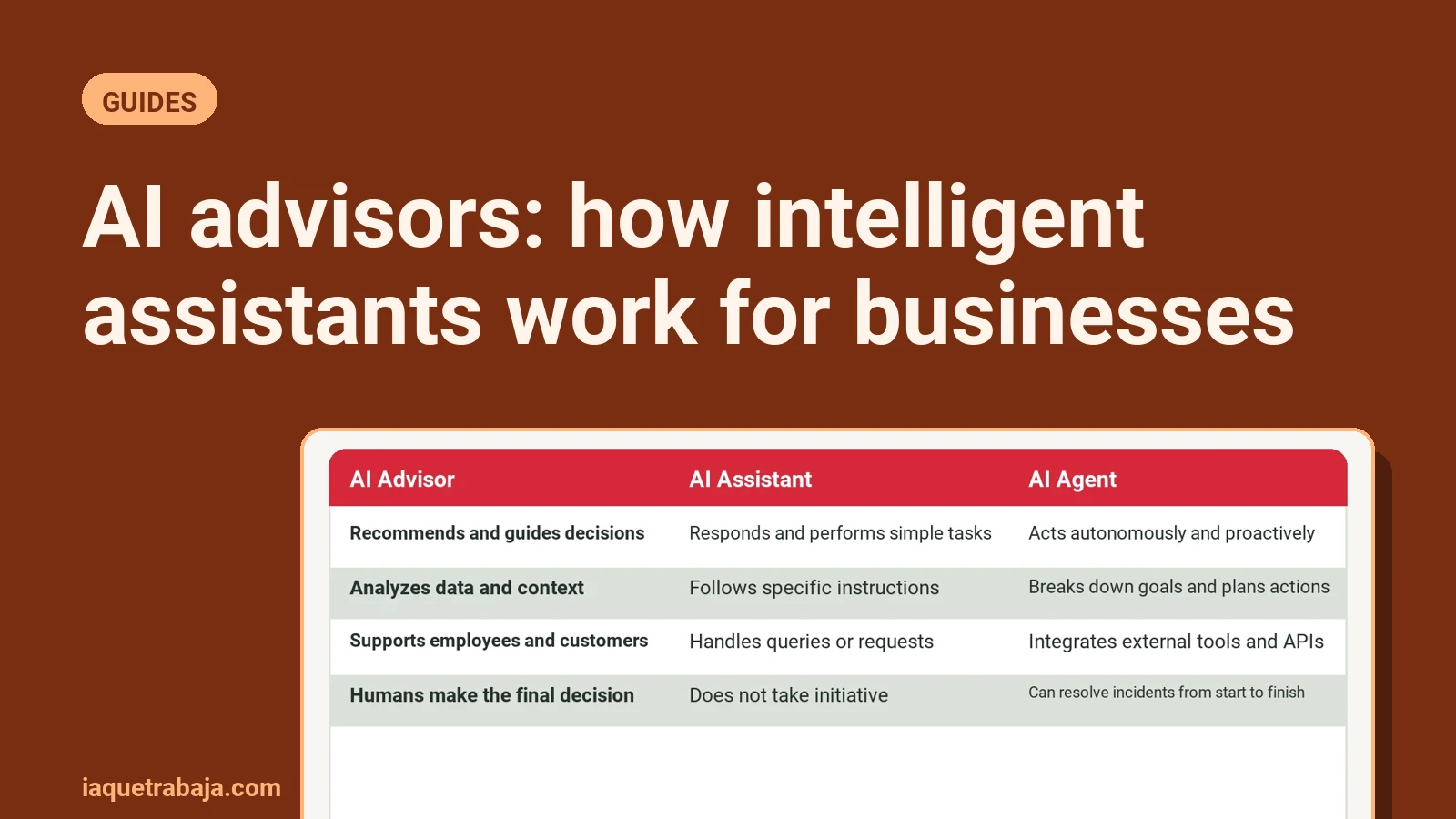
For a customer chatbot: it depends on what it needs to do. If it answers using your information (opening hours, prices, terms), use Haiku or Sonnet. If it needs to reason through unusual cases or make decisions, use Sonnet. I explain this in more detail in the post on AI agents vs AI assistants.
For important analyses (a contract, a client report, a business decision): Opus. Here, the extra cost matters less than getting it right.
Why not always use the most powerful model?
Because it's like taking a truck to pick up a loaf of bread. It works, but it's slow, costs more and adds nothing. Three specific reasons:
- Cost. With the API, you pay for what you use. If you run a workflow with Opus that works just as well with Haiku, you're overpaying every time it runs.
- Speed. People notice when a chatbot takes several extra seconds to respond. In customer service, speed matters.
- Limits. On chat plans, larger models use up your allowance faster. If you use Opus for everything, you'll run out of room when you really need it.
Why not always use the cheapest one?
Because smaller models make more mistakes on difficult tasks, and fixing errors costs you too. If Haiku produces a flawed analysis and you have to review the whole thing, the savings aren't real. My rule:
- Start with Sonnet.
- If it handles the task easily and the task is highly repetitive, try Haiku.
- If it falls short, move up to Opus (or Fable for a substantial technical project).
Common mistakes when choosing a model
- Choosing by name instead of testing. Try the same task with two models and compare them. Ten minutes of testing tells you more than any table.
- Not reviewing your choice. Each new generation improves the smaller models. Something that needed the large model a year ago might work well with the medium one today.
- Using the same model for the entire workflow. In an automation, you can use Haiku for classification and Sonnet only to write the response. Combining models is where you save the most.
How do I switch models in Claude?
On claude.ai, use the selector next to the text box. The models available depend on your plan. In the API, change the model name in each call; that's where the savings really add up, because you can choose the model at each step.
If you're building something for your business and aren't sure which model is worth using for each part, we can work through it in an AI consulting session for businesses. Often, the same system can cost several times less simply by choosing the right model for each step.