IA que trabaja
AI automation is using artificial intelligence to make tasks run on their own, including tasks that require understanding text, images or speech. Traditional automation moves data around following fixed rules. AI automation can read, classify, summarise and write along the way.
AI vs automation
| Traditional automation | AI automation | |
|---|---|---|
| How it works | Fixed rules: "if A, do B" | Understands content, then acts |
| Good at | Moving data, reminders, syncing tools | Reading documents, answering questions, classifying, writing |
| Breaks when | Input changes format | Data is ambiguous or missing |
| Example | Send a reminder the day before an appointment | Read a supplier invoice from any supplier, whatever its layout |
They are not rivals. The best systems combine them: rules for what is predictable, AI for what needs understanding, and a person for what needs judgement.
Real examples in a small business
- Customer messages answered with real data. A WhatsApp assistant that checks the catalogue and stock before answering, and hands over to a person what it does not know.
- Supplier invoices read automatically, checked and filed into a spreadsheet or accounting software.
- Instant quotes calculated with the business's own rates.
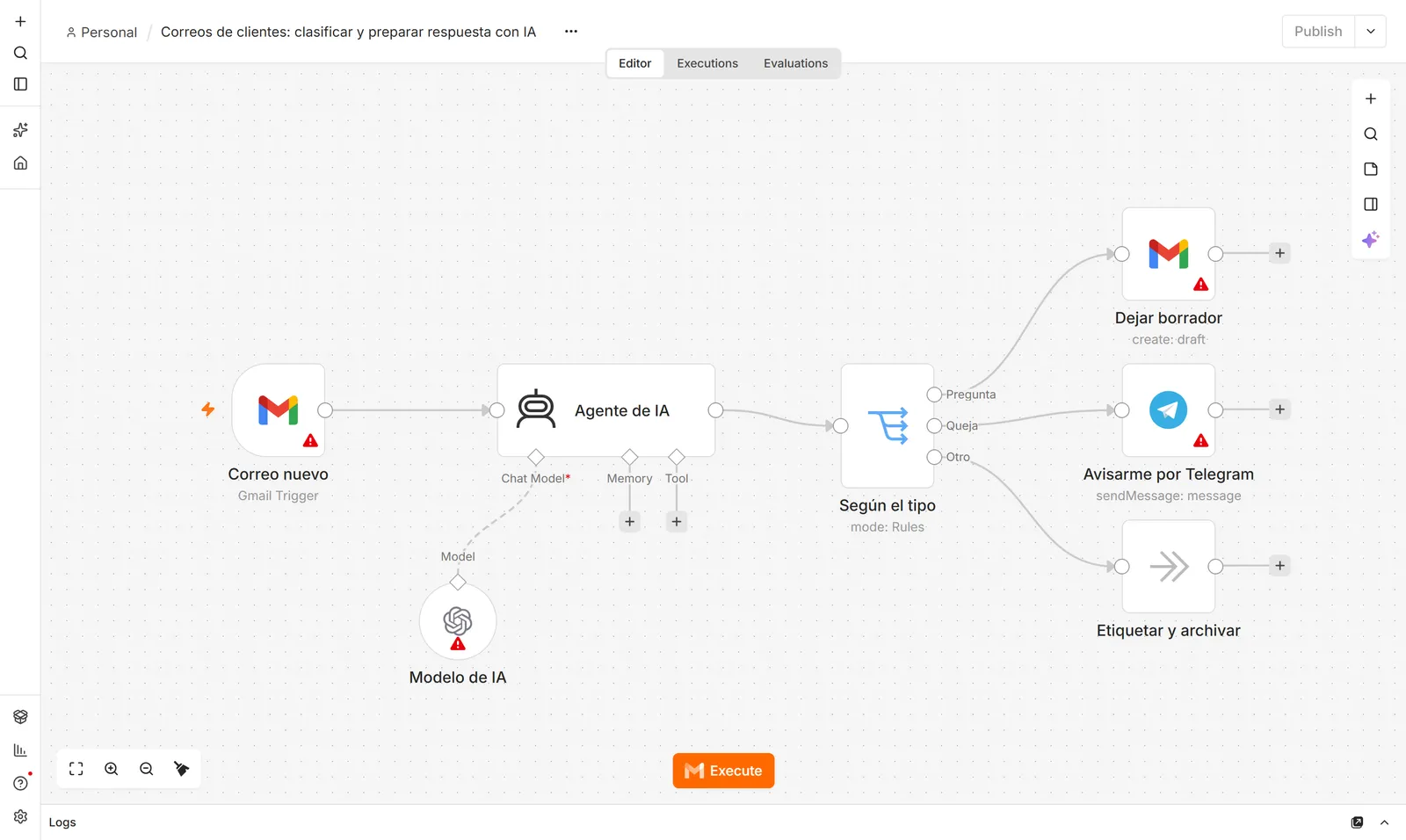
- Emails classified (question, order, complaint) with draft replies.
- Weekly reports that build themselves from several tools.
- Product descriptions written from a photo and a few facts.
- Lead capture: finding people who are asking for what you sell and drafting your reply.
In a phone repair business I worked with, eight of these pieces were built over several months, one at a time, starting with WhatsApp because it was the most repeated task and the lowest risk.
How to choose what to automate first
Ask three questions about every repetitive task:
- How often does it happen?
- How long does it take each time?
- What happens if it goes wrong?
Multiply the first two and you get the time it eats. Start with whatever eats the most time and does the least damage if it fails.
Tools
- n8n or Make to connect tools without (much) code.
- An AI model through an API (Claude, GPT, Gemini) for the parts that need understanding. Usually cents a day for a small business.
- The official API of each tool: your store, CRM, accounting software, WhatsApp Business.
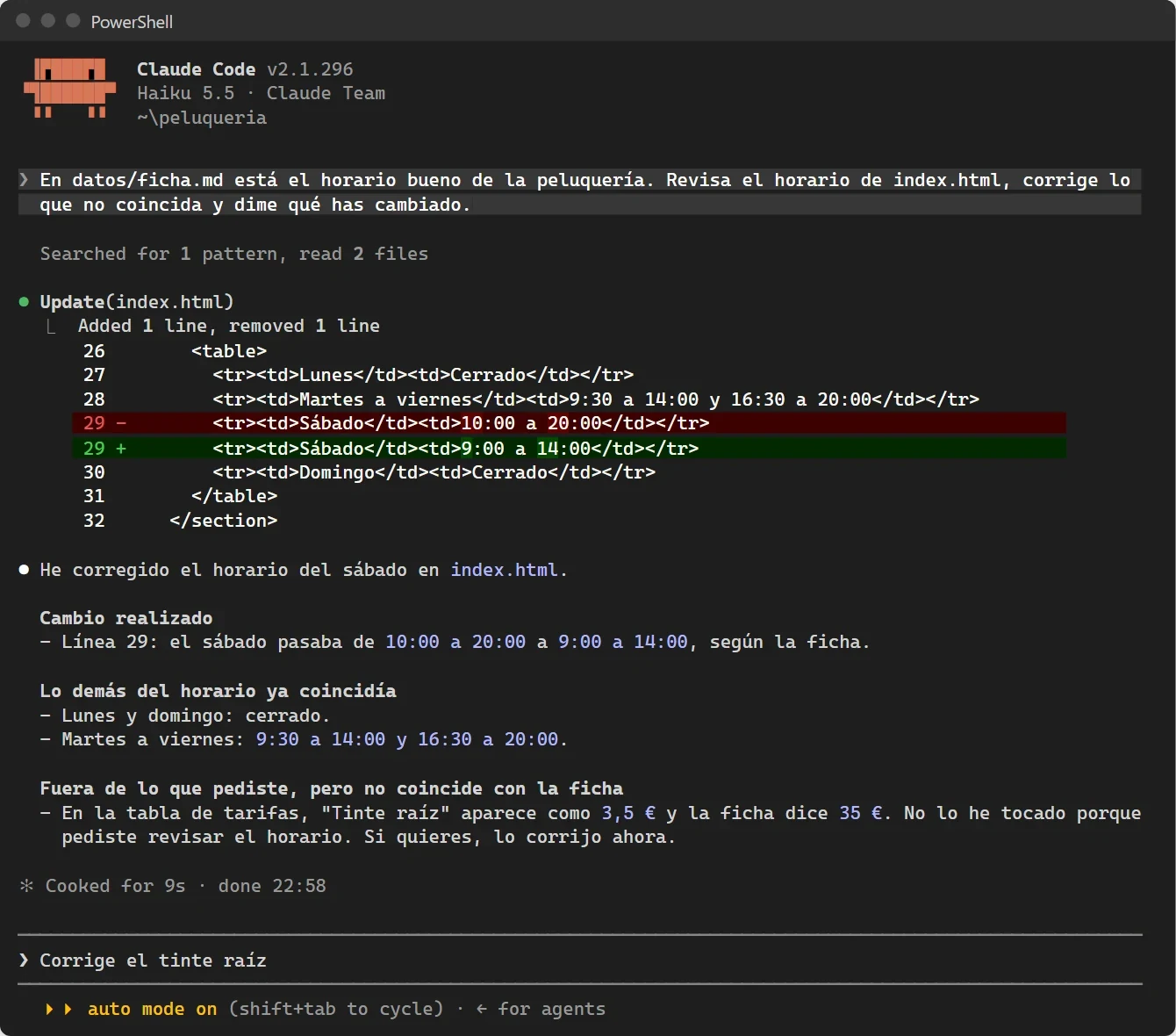
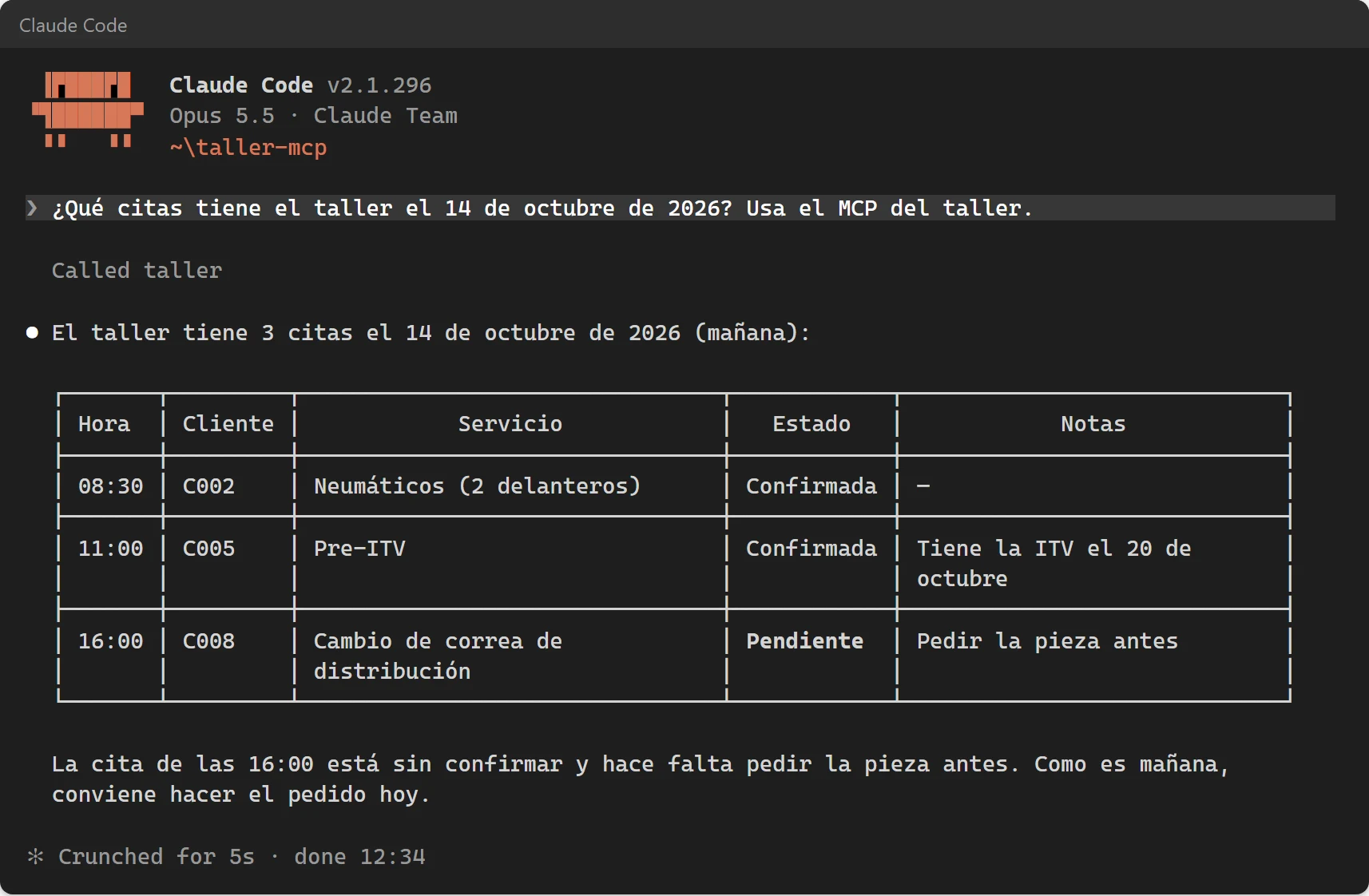
- Coding agents like Claude Code for anything that does not fit a visual tool. See the Claude Code guide.
Costs
Two separate costs:
- Setup, paid once. It depends on how many pieces need connecting and whether your tools have an API: a reminder is not the same job as a chatbot that checks your stock.
- Running, monthly: a few euros of AI, plus Make's subscription or a small server for n8n.
The number that matters: hours recovered × what an hour is worth to you.
Mistakes to avoid
- Automating a broken process. You just get chaos faster.
- No documentation. When whoever built it disappears, you are left with a black box.
- Trusting AI blindly. Good systems check totals, catch duplicates and send doubtful cases to a person.
- Unofficial shortcuts, like QR-code WhatsApp bots that can get your number banned.
- Doing everything at once. One process, working well. Then the next.
If you would rather have it built for you, that is what I do: see the services.
Frequently asked questions
What is AI automation?
Using artificial intelligence to make tasks run on their own, including tasks that require understanding text, images or speech, such as reading invoices or answering customer questions.
What is the difference between AI and automation?
Automation makes a task run by itself following rules. AI is one way to do it when the task needs understanding. Many automations need no AI at all; the best systems combine both.
Do I need to code to automate with AI?
No for most cases: tools like n8n and Make let you build flows visually. For more complex systems, coding agents write the code for you.