 IA que trabaja
In almost every business, someone spends half the morning answering the same questions: “When will my order arrive?”, “Do you have size M?”, “How do I make a return?”, “Are you open on Saturday?” It’s not a hard job. It’s a repetitive one—and that’s exactly what AI does best.
What I automate
- Your usual emails, answered. AI reads each incoming email, understands what’s being asked, and if it’s a common question, drafts a reply using your information. You choose whether it sends automatically or leaves it in drafts for you to review and send.
- The “where is my order?” It checks your online store and the shipping company, then replies with the real status and tracking link. In an online store, this is by far the question that takes up the most time.
- A chat on your website that answers with your information (opening hours, prices, terms, catalog), not just generic responses.
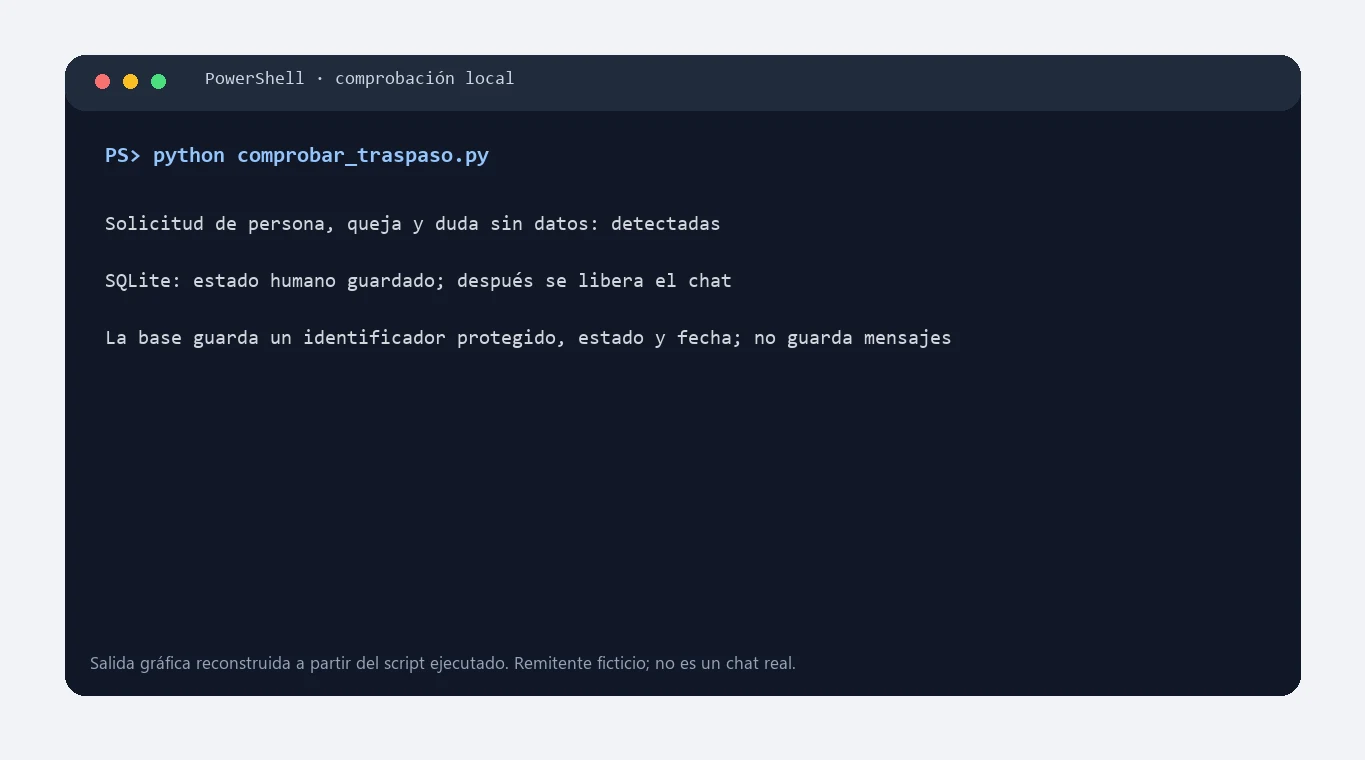
- Sorting and forwarding. Anything that isn’t a repeated question (a complaint, a big quote, a supplier) gets tagged and sent to the right person, with a summary at the top.
- Replies to Google reviews in your tone, every few days, like I did in the three listings from the real case study.
How this is different from old-school chatbots
Chatbots from a few years ago worked like decision trees: if the question wasn’t in the tree, they couldn’t help. AI assistants understand the question even if it’s badly written, and if you connect them to your data, they answer with real information.
What matters—and where you notice it’s set up well:
- It doesn’t make things up. It only answers using your data. If it doesn’t know, it says so and passes it to a person.
- It sounds like you. I give it examples of how you reply, your phrases, and what you’d never say.
- You can pause it. There’s a button to pause and a log of everything it’s answered.
Who benefits
- Online stores: “Where is my order?” and returns. For the catalog, I estimate about 33 hours a month just on order questions.
- Clinics, academies, accommodation: opening hours, prices, availability, what to bring.
- Any business with an info@ email that fills up with the same questions.
If most of your customers contact you via WhatsApp, take a look at the AI WhatsApp chatbot: it’s the same, just in the channel they use.
How much does it cost
- Setup depends on what needs to be connected. I give you a fixed price after a call, before starting, and with the estimator you can first see how much it costs you today to do it by hand.
- The “where is my order?” with your store and courier, or the website chat, are quoted based on your store and delivery partners.
- Usage cost: cents per message. For a small business, expect €10–40 per month for AI (plus VAT if applicable in Spain).
Frequently asked questions
Will it reply automatically to all my customers?
Only to what you decide. Usually you start with replies in drafts (you hit send), and once you see it gets it right, you let it send the simplest questions automatically.
Does it work with Gmail, Outlook, or my hosting email?
Yes, with all three. It connects to your inbox with limited permissions and doesn’t change how you work.
What if a customer gets upset about being answered by a machine?
That’s why complaints and sensitive issues go to a person. And the automatic reply isn’t disguised: it answers quickly and clearly, which is what customers really want.