 IA que trabaja
Some automations may not look impressive, but they’re among the most profitable. Automatic notifications are the first.
Think about it: how many calls do you get asking “how’s my order going?”, how many appointments are missed because the client forgot, how many quotes go unanswered because no one followed up. All of this can be fixed with a timely message.
What I automate
- Appointment reminders the day before by WhatsApp or SMS, with the option to confirm or reschedule. In clinics and consulting rooms, this is where you see the biggest impact: I estimate about 23 hours a month saved and fewer empty slots.
- Order status updates: “your repair is ready”, “your order has shipped”, “arriving tomorrow”. No one has to type these by hand.
- Delay alerts before the client asks. If a delivery or job will be late, your client hears it from you—not when they call upset.
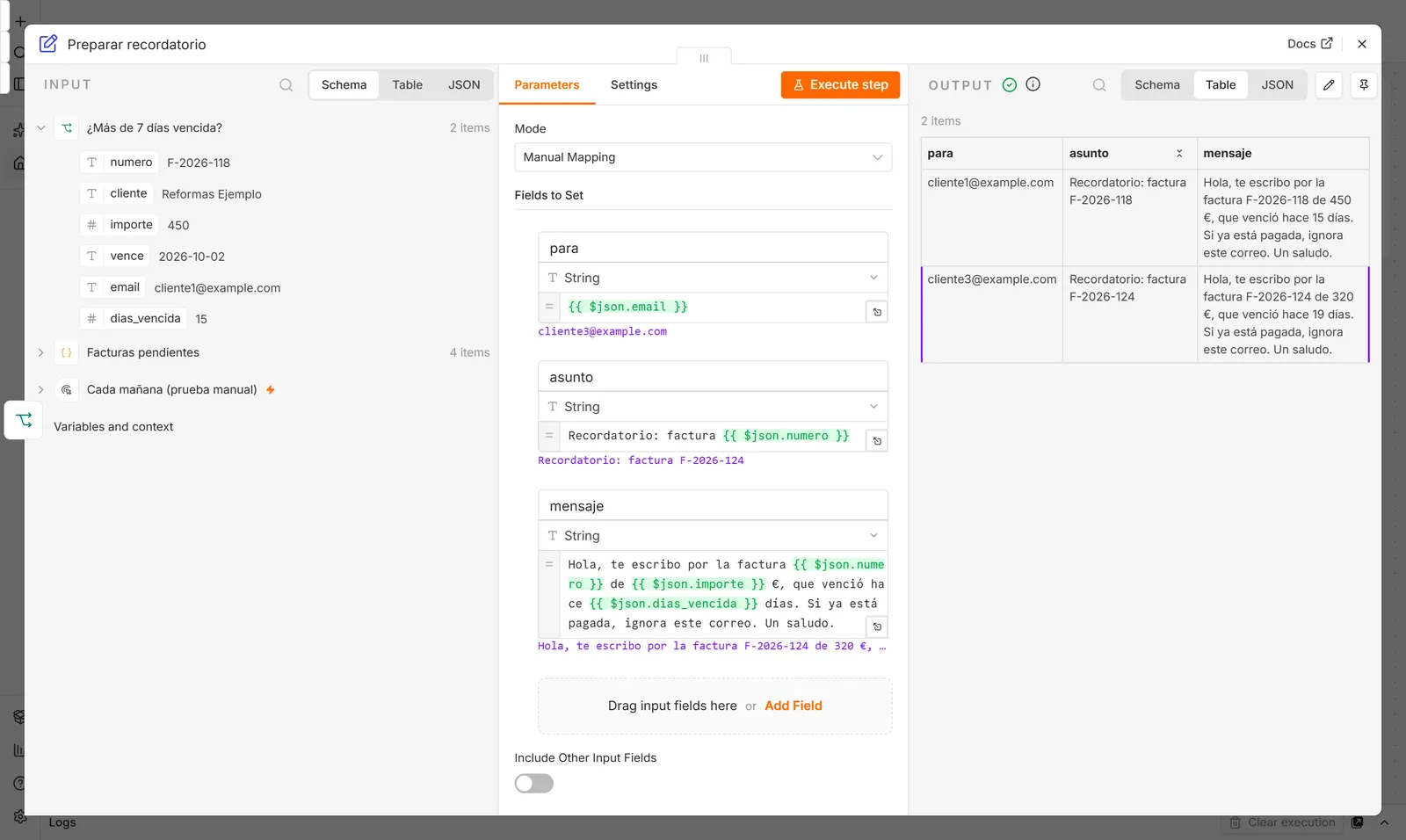
- Quote follow-up: after three days, a friendly reminder; after ten, another. Most quotes aren’t lost because of price, but because they’re forgotten.
- Outstanding payments: notify the client with a payment link, and notify you if they still haven’t paid.
- Internal alerts that matter: a one-star review, a stuck order, a rejected payment. Straight to your phone, instantly.
What to keep in mind
- Few and useful. If you send a notification every day, people stop reading them—including the important ones. In practice, the team’s daily summary is generated silently: it’s there if you look for it, but it doesn’t pop up.
- On the channel your client actually uses. In Spain, that’s almost always WhatsApp. This uses Meta-approved templates, which cost a few cents per message.
- With consent. Reminding a client of their appointment is service; sending promotions without permission is not.
How much does it cost
- Setup depends on what needs to be connected. I give you a fixed price after a call, before starting. With the quote calculator you can first see how much it costs you to do this manually today.
- Usage cost: SMS and WhatsApp templates cost a few cents per message; email is virtually free.
Frequently asked questions
Does it work with my calendar?
It works with Google Calendar, Outlook, and most scheduling software that has an API or export option. If you use a paper calendar, you’ll need to switch to something digital first—I can help set that up too.
WhatsApp or SMS?
WhatsApp messages are read more often and are cheaper per message, but require the official API and approved templates. SMS reaches everyone without setup. Often, both are used together.
What if the client replies to the notification?
Their reply goes directly to you, or to a WhatsApp chatbot if you have one, which can confirm or reschedule the appointment automatically.